
What DrinkLync does for your bar
Value, cost, Insights and how it works, in plain words, with a short walkthrough for each answer.
For bar owners and managers
What DrinkLync does for your bar, what it costs, and how it runs.
Value: speed, time and data
What changes on a busy night, in drinks, minutes and hours. Every number is an illustrative scenario.
Why do I need this?
On a busy night the line, not demand, decides how much you sell. DrinkLync takes ordering and payment off the rail, so your bartenders spend the rush pouring.
For a typical 3-bar Broadway venue, busy Thursday to Sunday, the conservative scenario is 24 extra drinks on a busy night (600 to 624). Illustrative scenario, not a guarantee: the DrinkLync value model run on a typical 3-bar Broadway venue. Once you are live, your own reports replace every assumption with your real orders.
How much faster is it for customers?
In the same scenario the wait for a drink goes from about 8 minutes to about 3.2 minutes, because nobody waits to be seen: customers order from their spot and come up when the drink is ready.
Once you are live, Insights shows your real time to ready, by bar and by drink.
What does it give my team back?
About 1.8 hours of order-taking and card-running a night across the team in the scenario, and each bartender goes from about 20 to 22 drinks an hour at peak.
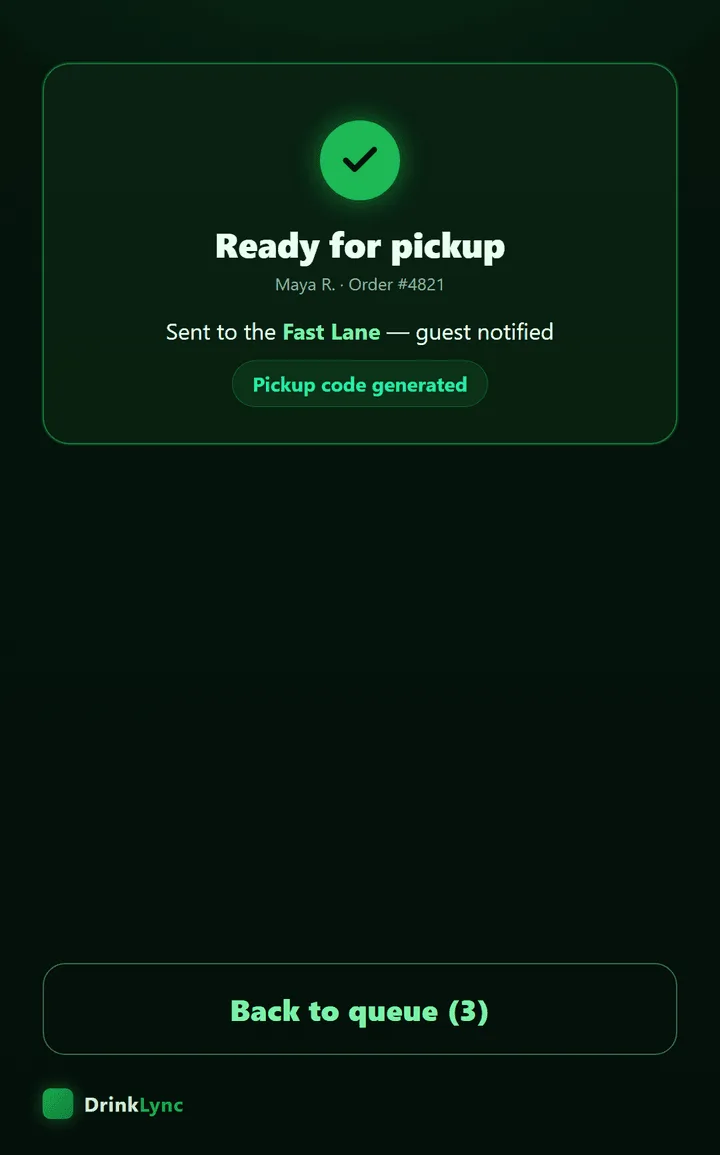
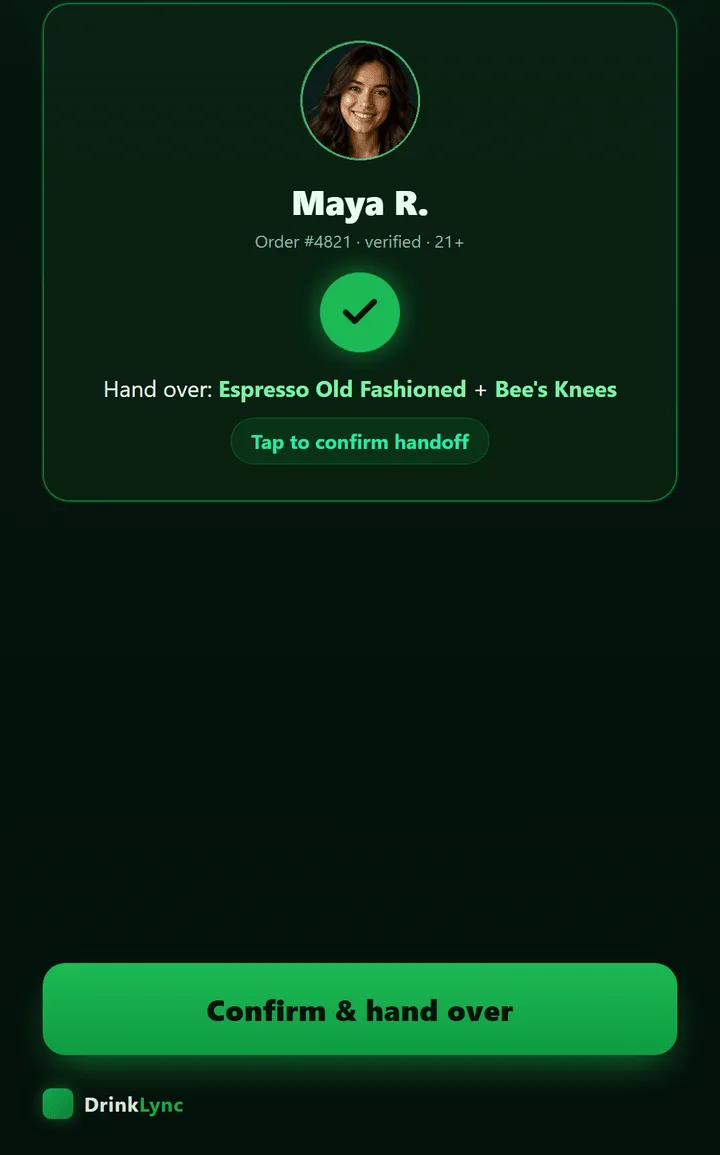
Your gatekeeper hands drinks over by scan instead of shouting names across the room.
How many extra drinks pay for it?
In the scenario, 8 extra drinks on a busy night cover the monthly price. Your monthly report shows whether your bar clears it, from your own orders.
What data do I get that I do not have today?
Every app order is a typed record: what, when, which bar, which bartender, how long. In the scenario that is about 2,825 orders a month you can read, by hour and by drink.
A monthly ROI report built from your real orders: sales, orders, average order, tips and time to ready.
What does each person in the building get?
Owner / GM: More drinks out of the same busy hours, and the numbers to prove it.
Manager: Run the night from one portal, with a next step on every number.
Bartender: Pour, don't take orders.
Gatekeeper: The right drink to the right customer, by scan.
Guest: Skip the line, get the drink.
Where do the scenario numbers come from?
The DrinkLync value model, run on published sources and a typical venue's inputs. The same model drives the value pack PDF, the onboarding preview and drinklync.com/math.
Sources: Square, open-tab ticket sizes (vendor-reported, 2021); Barpay, bar QR ordering (vendor-reported); Toast, restaurant tipping trends (2025).
Cost and what is included
Flat monthly pricing from the one rate card. DrinkLync takes no share of your sales.
What does it cost?
Core Venue: $500 setup + $699/month (yearly agreement, 1 station included), no share of your sales, Insights free for your first month, then $199/mo only if you choose to keep it. Extra stations anywhere in the building: $199/mo each + $199 setup per extra station, charged at sign-up. Enterprise (stadiums, arenas, multi-venue groups): $6,000/month + $299/month per stand, annual contract, the whole building outfitted, inquire at help@drinklync.com. Pop-ups: $299/night flat, 2-night minimum, $500 setup, no share of your sales. Card processing is separate: customers pay into your own Stripe account and Stripe bills you its standard card fees directly, which DrinkLync never holds, sets, marks up or receives any part of.
What is included?
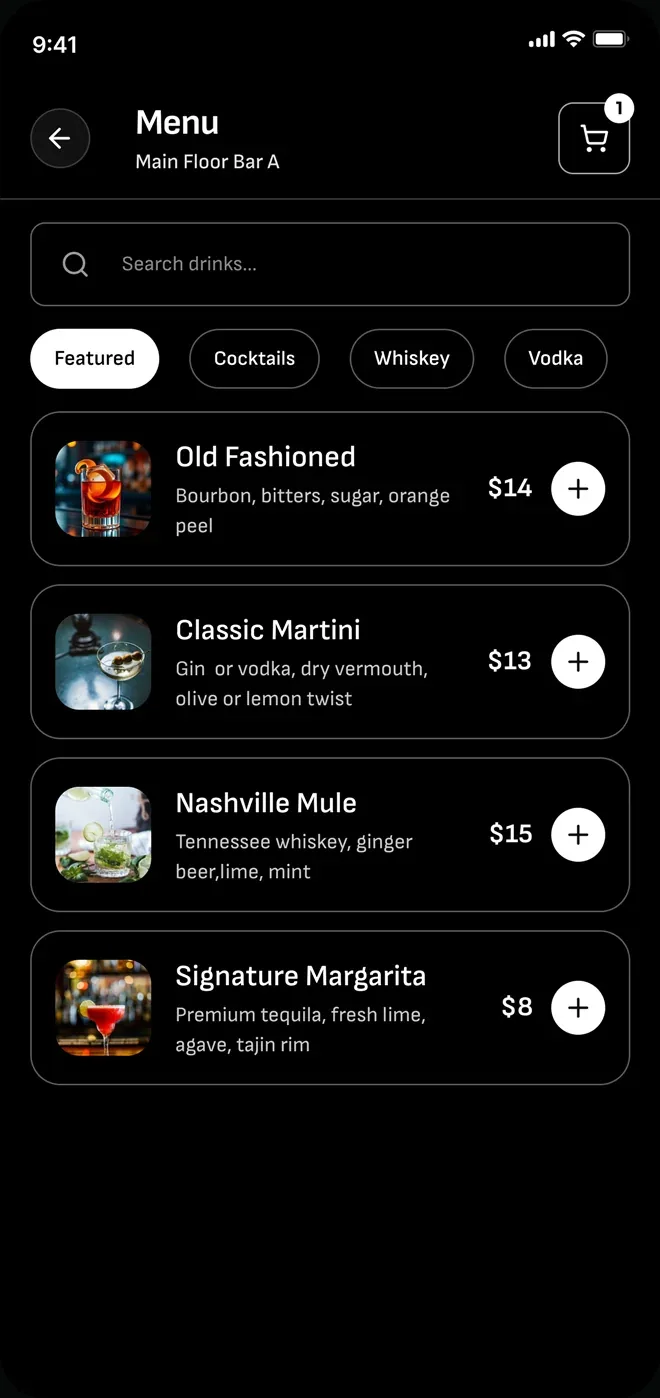
Customer ordering, payment and tipping from any phone
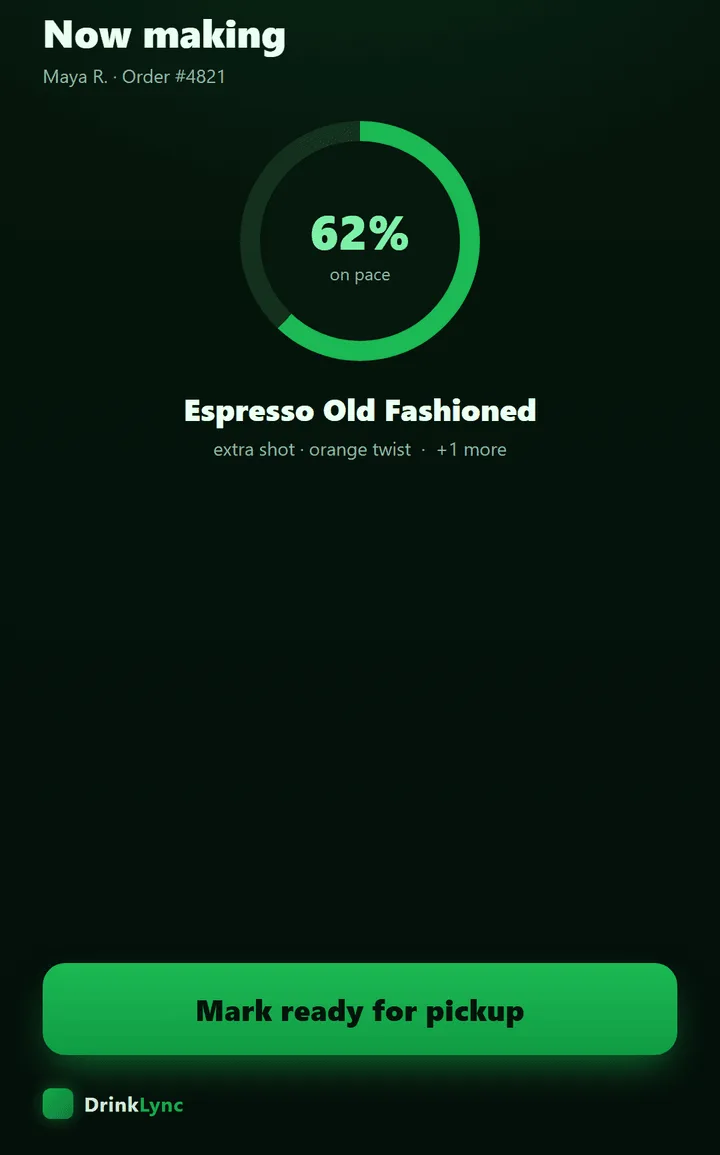
The Bartender queue and Gatekeeper pickup, on iPads we supply and set up
Your manager portal: live orders, menu, staff and reports
A monthly report built from your own orders
Support from our team at help@drinklync.com
Customer payments go to your own Stripe account. DrinkLync takes no share of your sales and you keep your POS.
Do I buy iPads or a new POS?
Tell us how many stations you run and where to ship, and the iPads arrive already enrolled in our device management and locked to your venue. They come up on your bar screen with nothing else to tap. Staff surfaces only open on an enrolled device, which is what stops a random phone from pulling up your order queue. If you want to use iPads you already own, say so on the hardware step and we will enrol them with you.
DrinkLync runs alongside your POS rather than replacing it, so you keep it for everything else. App orders are paid in DrinkLync and show in your DrinkLync reports.
How does the Insights first month work?
Every venue's first month of Insights is included with Core: it is on from your first order, nothing to set up. At day 30 you decide. Tap Keep Insights on your billing page to keep it at $199/mo, or do nothing and it switches off.
Insights is never billed without your tap, and your data stays yours either way.
What is the difference between Stripe and my subscription?
Two different directions of money. Stripe is your customers paying you. Your subscription is your venue paying DrinkLync: $699 a month for Core Venue plus a one-time $500 setup, $199 a month for each extra station, and Insights free for your first month, then $199 a month only if you choose to keep it. We never take a share of your sales: no percentage, no per-order cut, no revenue share. Card processing is separate: customers pay into your own Stripe account and Stripe bills you its standard card fees directly, which DrinkLync never holds, sets, marks up or receives any part of. Your subscription has to be active before your bar can go live, and there is no free period on Core, stations or setup; Insights is the only thing free, for your first month.
Can I cancel?
Core is a 12-month agreement. Its full terms, including renewal, are in the agreement you review before you sign. Ask us anything about it at help@drinklync.com.
Insights: every number has a next step
Run the night from one portal, with a next step on every number. Each question Insights answers, and what you do about it.
Which bar and which hour make the night?
Put your strongest bartender and an extra pair of hands on that bar for that hour next week.
Which drinks sell, and which just sit on the menu?
Feature the sellers at the top of the menu and retire or rework the drinks that sit.
Which bartender is fastest, and who needs a hand at peak?
Pair a newer bartender with your fastest one at peak, and schedule by pace, not just seniority.
Where does time to ready run long, and on which drinks?
Batch or pre-prep the slow drinks before the rush, or move them off the busiest bar.
Who are your repeat customers, and what do they rate you?
Read what repeat customers rate low and fix that first; they are the customers who come back.
What should you change first next week?
Start with the one suggestion at the top of the page. One change a week, then check the next week's numbers.
What will I see in the first month?
Live orders from your first night, then your first monthly report after your first full month, built from your own orders: sales, orders, average order, tips and time to ready.
How it works
Your Stripe, your POS, your door. DrinkLync is software you subscribe to.
Who holds the money?
You do. Customers pay into your own Stripe account. DrinkLync is software you subscribe to, not a payment processor: we never hold your money. Stripe charges its standard card fees to your account directly.
How are refunds handled?
From the Refunds page in your manager portal. A refund goes back to the customer's card from your own Stripe account; you decide when one is due.
How do tips work?
After pickup the customer sees 18 / 20 / 25 / 33% and Custom on one line, with 20% pre-selected; round-up is on by default at checkout. Tips go into your own Stripe account, for your team; DrinkLync never counts them as venue revenue and takes no share.
What if a customer's card is declined?
A declined card never reaches your bartender. The order is not placed, the customer is asked to try another card, and nothing lands in the queue until the payment has gone through.
What if the Wi-Fi drops?
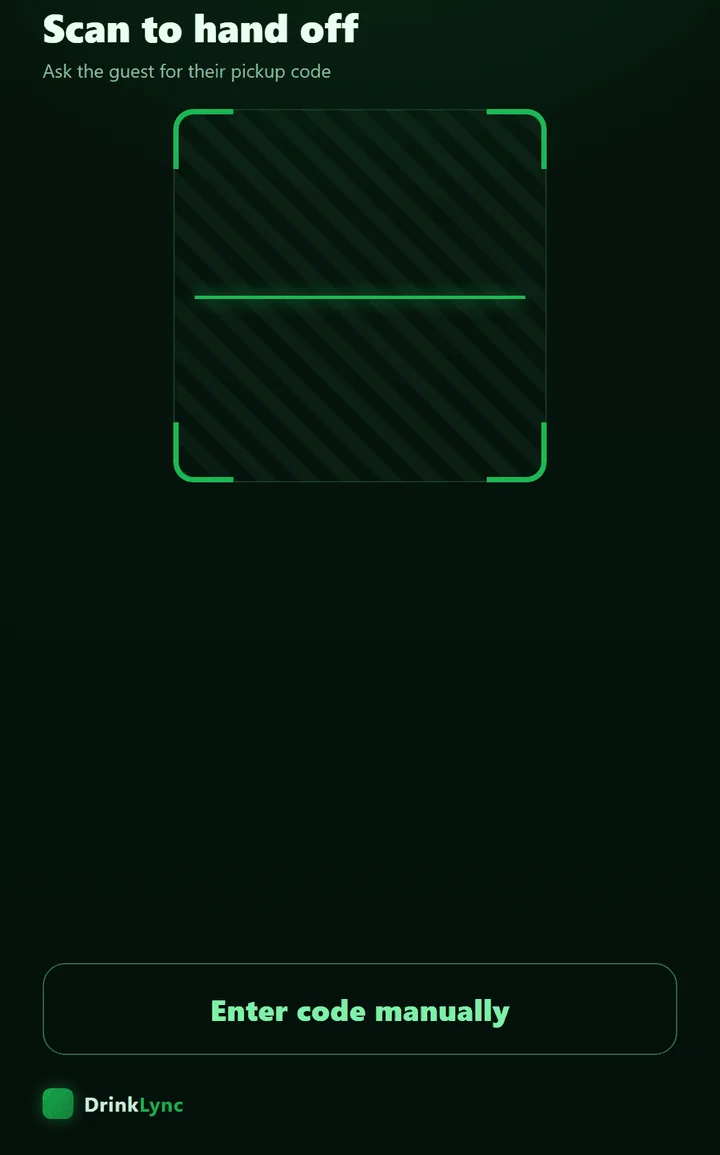
Customers can use phone data. If a staff iPad goes offline, the bartender's taps are saved and sent when it reconnects, and staff hold drinks until the iPad can confirm the pickup code again, so a drink never goes to the wrong customer. A cellular hotspot keeps an iPad online where the Wi-Fi is weak, and if a code will not scan, the gatekeeper can look the order up by customer name or code.
Does it work with my POS?
DrinkLync runs alongside your POS rather than replacing it, so you keep it for everything else. App orders are paid in DrinkLync and show in your DrinkLync reports.
Who checks ID?
Your door, as it does today. Customers give their date of birth once, when they sign up, and the server refuses any order from an account that is under 21 or has none. DrinkLync does not check ID documents: the venue's ID check at the door stays the control.
Will customers use it?
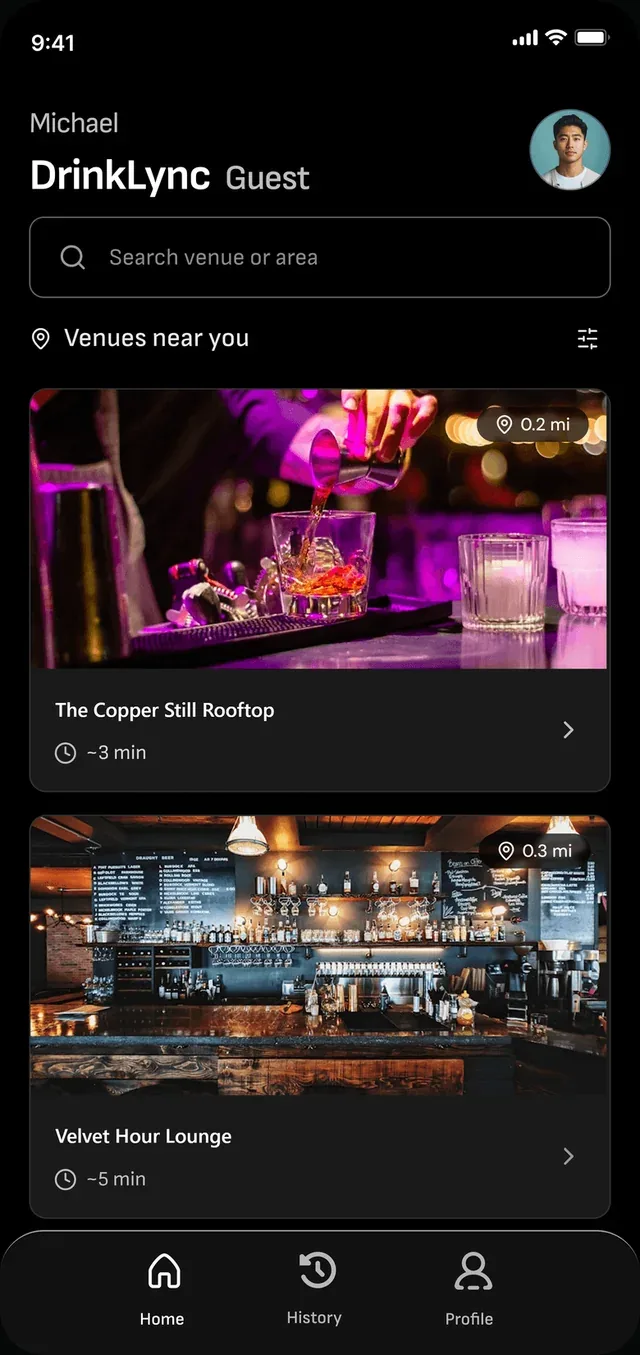
Customers order in the DrinkLync app or in their phone's browser, and sign in with Google or Apple. Anyone who prefers the bar can still order the usual way.
My bartenders are already fast.
Good, and DrinkLync keeps them fast. It does not change how they pour. It removes the order-taking and card-running between pours.
How do I train my staff?
Invite each person to their own staff account; never share a sign-in PIN. Practice sample orders before the first real shift. Training orders never count as sales.
How long does setup take, and who does it?
You do it yourself from your manager portal, at your own pace: add your menu, add staff and connect your Stripe account. We build the menu with you, a photo per drink, ship your iPads already set up for your bar, and review your setup before you go live.
Who owns the data?
Your orders and sales are yours. Analytics and Custom Reports in your manager portal offer a CSV download.
Use cases we solve
The nights and moments DrinkLync is built for, each with a walkthrough.
The rail is three deep on a Friday
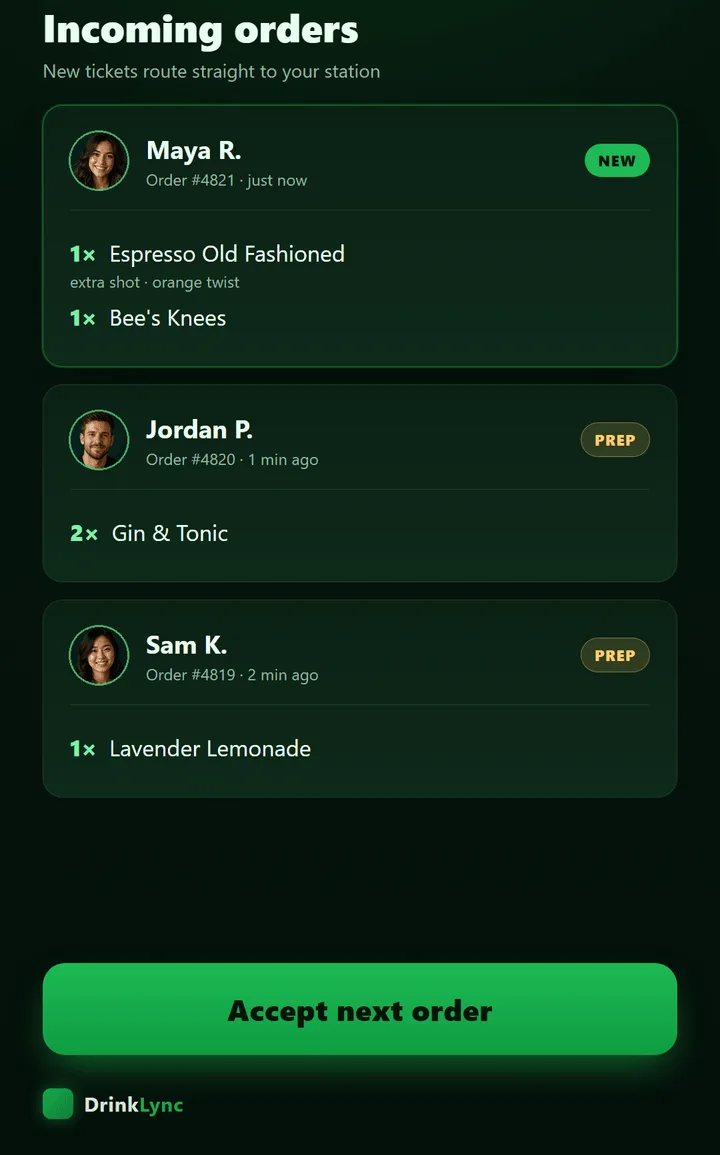
Customers order and pay from their spot, tickets land typed on the bartender's iPad in order, and the gatekeeper hands each drink to the right customer by scan. Nobody flags anyone down.
Another round without the wait
A customer reorders from their order history in a couple of taps and comes up when the order screen shows Ready.
Drinks that come in several flavors
Every multi-flavor drink shows flavor chips, and the order cannot go through until the customer picks one, so the bartender never has to ask.
Tips after pickup
The tip is the first thing the customer sees after pickup: presets on one line with 20% pre-selected, plus Custom. It is recorded for the bartender who made the drink, and your tip policy decides how it is shared.
One person orders the round
A customer adds drinks for the whole group to one order. The gatekeeper's sheet lists every item, so the whole round goes out together.
Several floors and several bars
Customers pick the floor and bar they are at, each bar's orders go to that bar's iPad only, and you read every bar on its own in Insights.
Sending a drink to a friend
A customer can send a drink to someone at the venue; the friend picks it up with their own code.
Turning last Saturday into next Saturday's plan
Insights shows which bar and hour made the night and where drinks waited. Move staff, prep the slow drinks, feature the sellers, then check the next week.
A wrong drink or a mix-up at pickup
The gatekeeper taps Problem and picks what went wrong. The order stays on the Ready Wall, the bartender and manager are alerted, and the manager sorts it from the order.
A new bar live in 1-2-3
1. Build your menu with us, a photo per drink. 2. Invite your staff and connect your Stripe account. 3. Your iPads arrive set up for your bar; run a practice night in training mode, then go live.
For your team
Bartenders and gatekeepers.
For bartenders and gatekeepers
What changes behind the bar and at the pickup window.
Bartenders: Pour, don't take orders.
One live queue on the iPad: every order arrives typed, in sequence, with flavors and modifiers already picked.
No card running or tab chasing at the rail; customers pay and tip in the app.
A tip prompt on every app order, recorded for the bartender who made the drink.
Gatekeepers: The right drink to the right customer, by scan.
Scan the customer's QR code, the order pops up, hand it over.
Each pickup code works once, so nobody collects the same order twice.
No shouting names across a loud room.
How do I sign in?
On the station iPad, tap your name and enter your own PIN. Your manager invites you; nobody shares a sign-in.
How do I learn it before a real shift?
Short role modules with a one-question check each, then practice orders in training mode that never count as real.
For customers
Skip the line, get the drink.
For customers
Skip the line, get the drink.
How does ordering work?
Order and pay from their seat or spot on the floor, no flag-down.
The order screen shows when the drink is up, then a quick QR pickup.
Social sign-in and a saved card make the next round two taps.
Can I order another round?
Yes, from your order history in a couple of taps.
How do I tip?
Right after pickup: pick a preset or Custom. The tip goes to the bar for its staff, recorded for the bartender who made your drink. DrinkLync takes none of it.
Do I still need my ID?
Yes. You confirm you are 21+ when you sign up, and the venue checks ID at the door as it always has.
Can I send a drink to a friend?
Yes. Your friend picks it up with their own code.
For brands
Sponsor the moment a customer orders.
For brands
Flat-fee sponsorships at the venues you choose. Reach is reported, never billed.
Who sees my ad?
Customers ordering in the DrinkLync app at the venues you choose. Each venue approves the campaign before it runs there.
Can I target by what customers drink?
On request. Campaigns run bar-wide at the venues you pick; preference targeting reaches customers by what they order and when, worked out on our side. Customers can turn it off in Settings, and brands only see aggregates.
How is a drink attributed?
When the customer who had a verified view of your ad then orders your drink or chooses your spirit.
How am I billed?
One all-in price per 2-week flight for the placements, bars and dates you book. No per-view or per-drink billing and no overages. If delivery falls short of what we commit, you get a credit on your next flight.
Can I start small?
Yes: a launch campaign, contracted at a set price, measures your real reach first, so the sponsorship after it is priced on delivered numbers.
What do I get as a report?
Unique audience, verified views, frequency, attributed purchases, effective CPM and cost per drink, in your brand portal. Reported, never billed.
What about alcohol advertising rules?
Your fee is paid to DrinkLync alone: no part of it goes to the venue, and no venue is paid to stock or pour your brand. Every campaign gets legal review before it runs, and each venue approves it.
Which bars can I sponsor?
Any venue live on DrinkLync; we start in Nashville. We share the live list and each venue's typical nights when we plan your campaign, and only commit delivery the measured inventory supports.
How fast can a campaign start?
Once the placements, bars and dates are agreed and each venue has approved the campaign, it runs from the start date you choose. Your report is in the brand portal from the first night.
Training for your team is in role training. Anything else: email help@drinklync.com.